
Panda and the lost star
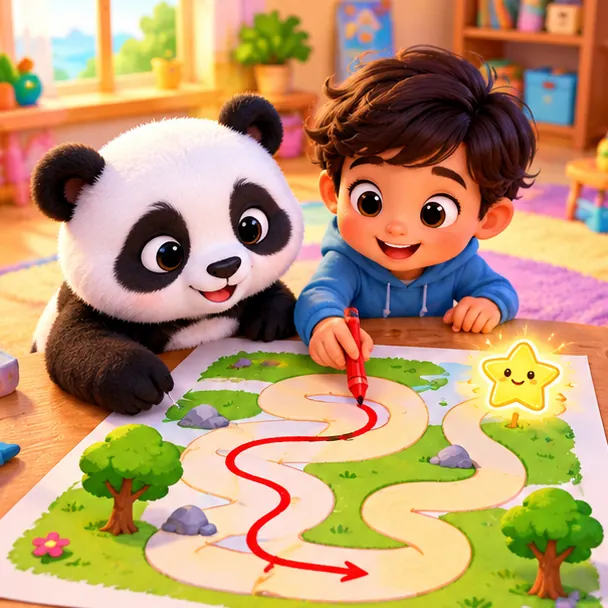
After a story, ask how the friends helped. Draw a path, count three things along it or try the printable route challenge.
The Kids4U website adds context around the videos: stories can connect to learning activities, printable ideas, conversation prompts and creative play.

Enjoy the short story, rhyme or adventure together.
Ask what the child noticed, remembered or predicted.
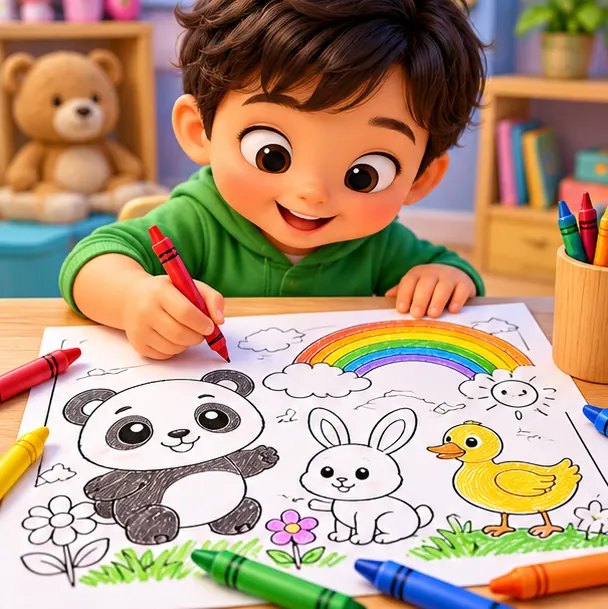
Draw a scene, invent a character or change the ending.
Act out a moment or turn the story into a simple game.
Choose a related Kids4U activity or printable.
The YouTube channel opens separately. When you return to Kids4U Playhouse, choose a related resource to turn watching into a shared activity.
After a story, ask how the friends helped. Draw a path, count three things along it or try the printable route challenge.
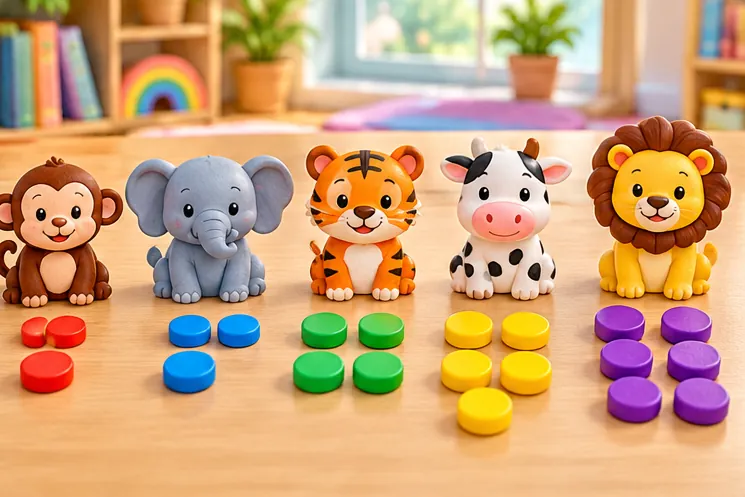
Choose a number game or count a few familiar objects together. Say one number for each object and check the group again.
Use the familiar star-rhyme theme to count five drawn stars, group them by shape or color, and add a new scene. Use recordings and lyrics only where you have the appropriate rights.
Before watching, ask what the child expects. Pause or talk afterward if useful, then choose just one offline activity. Screen use should fit the family’s needs; the activity does not have to be completed to count as shared time.